I have worked on 100s of WordPress-based websites in the last 12 years and from my experience, I can say, there is one WordPress plugin, that’s easy to set up and works wonderfully to fight against comment spam. It’s called Antispam Bee.
WordPress is a wonderful open-source CMS with a lot of useful features. But another reason why WordPress is considered awesome is because of the huge set of free plugins and themes offered by developers all around the globe to help anyone get started with their website. Building your own website has never been this easy.
I have worked with hundreds of WordPress-based sites by now and with all my experience, I have found a few plugins to be very useful and can be used in almost any type of WordPress website. Here is the list of plugins that I think are must-have plugins for your WordPress website in 2021.
List of the top must have WordPress Plugins for 2021 :
Site Kit by Google
Site Kit by Google plugin was released in WordPress plugin repository towards the end of 2019. It is one of the easiest ways to integrate your website with many essential Google services like Analytics, Search Console, AdSense, Speed. You can even view search console and analytics data on your website admin dashboard. This gives you additional motivation and easy access to the numbers on your site.
Rank Math SEO plugin was released towards end of year 2018 and just within two years it has become one of the top SEO plugins for WordPress. The main reason why i recommend this plugin is that the developers of the plugin keep adding new features continuously and it has much more featured when compared to top seo plugin like Yoast SEO. It also has a very affordable paid version compared to alternatives like the Yoast SEO plugin. Rank Math SEO offers much more features in the free version compared to the features of the Yoast SEO plugin.
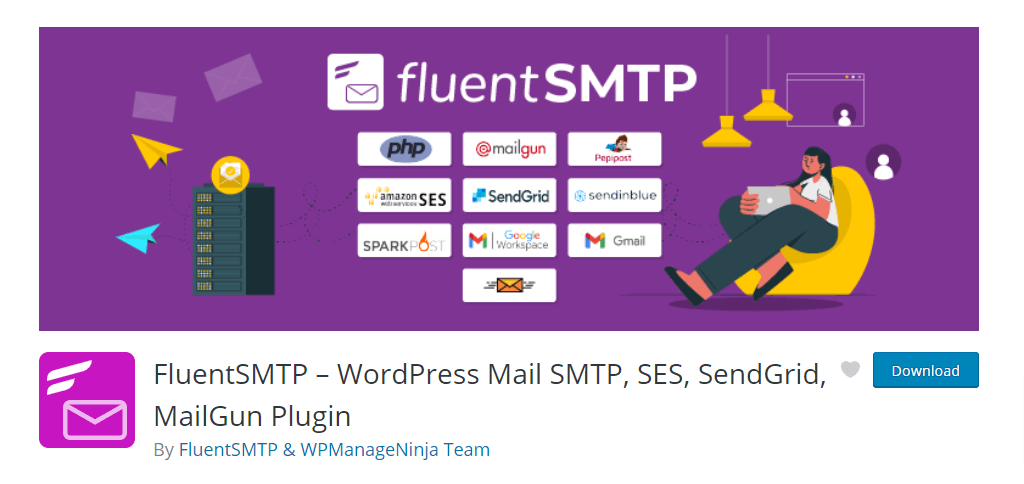
This plugin was released in January 2021 and includes integration to many transactional mail services, so that your WordPress website can send emails through them. It currently integrates with Amazon SES, SendGrid, MailGun, SendInBlue, PepiPost, SparkPost, Gmail , Zoho, Outlook via SMTP, and All Other SMTP.
Sending emails to your customers or subscribers from your website reliably from your WordPress website is very important, and you will need a reliable plugin to integrate. The plugin also allows you to view email logs.
This is the best lightweight and free comment spam protection plugin for WordPress that I have found. It just works like magic, with no settings to change. Just install the plugin and activate. I have tested on many sites and it has worked very well.
Security is a very important aspect of your website and should not be neglected. I strongly suggest having a security plugin on your website to protect your site from various attacks. Wordfence is one of the best free security plugins available. Wordfence Security plugin has Web Application Firewall, Malware Scanner, Login security with two-factor authentication, Monitor & track hacking attempts, IP address blocking.
Wordfence Security also has the feature called Wordfence Central. You can register all your sites in Wordfence Central and monitor the security status and manage Wordfence Security plugin settings for free.
Image optimization is a very important part of websites speed optimization and EWWW Image Optimizer is one of the best free image optimization plugins to implement and serve images in WebP format.
JavaScript files and CSS files optimization is essential in improving website page load time. Autoptimize has all features that you will need for JS, CSS, and HTML optimization and modification. You can also implement CDN for the optimized files or change the folder from which the files can be served.
Off-site backup of your WordPress website will ensure that your website can be restored easily after any security incident or any major error. This is one of the best free WordPress backup plugins.
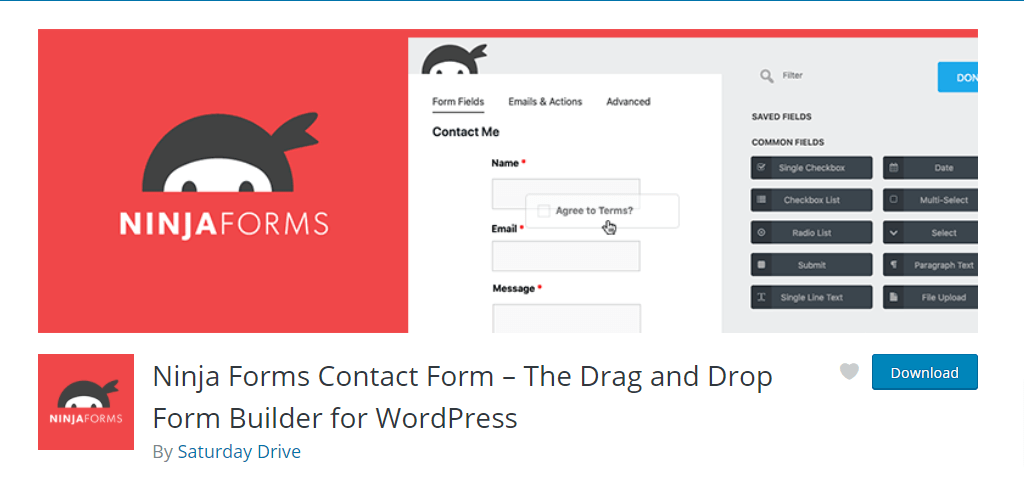
Almost every website needs a contact form to get visitors to communicate. Even though there are many free contact plugins, the Ninja forms plugin stands out by being one of the easiest contact form plugins to use and get started.
This is a free plugin that allows you to implement live chat feature in your website. You need to have an account with Tawk.to website to be able to use this plugin.
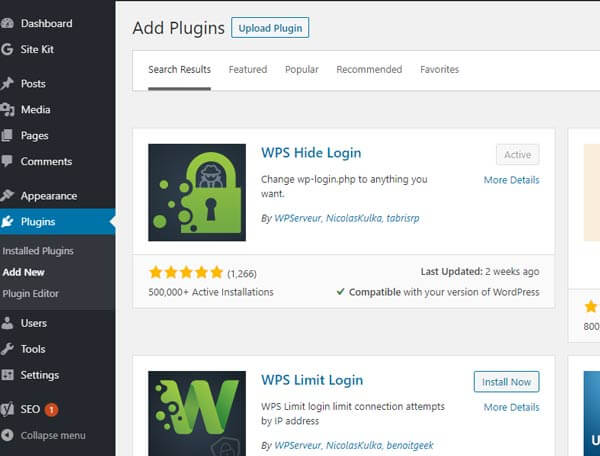
WPS Hide Login
The most common attack on a WordPress website is bruteforce attack on the website login page (wp-login.php). This plugin allows you to point login to a different custom URL, allowing you to block the majority of the attacks on your website.
From my experience of working with numerous websites, I have found that all the above plugins are very helpful in almost any WordPress website. Do you think, I missed any plugin that you think is promising, and I should include it? Please comment below and let me know.
By default, WordPress website login url is wp-login.php. For example, if your WordPress website url is wp24x7.com, then the website login is going to be wp24x7.com/wp-login.php. WordPress is one of the most widely used CMS in the world. And hackers are always trying to attack as many sites as they can by performing many types of attacks on the website login url. Therefore, you should always try to secure your website login url. If you have open registration enabled on your website, then you must make sure you have enabled captcha and other security enhancements. These enhancements will significantly help you to keep the register page away from malicious attacks.
How to secure existing login url ( wp-login.php )
You can definitely use many plugins to secure your website login url by adding captcha, login limit, two factor authentication and many more. Here are a list of ways i like to make login page more secure.
How to add captcha in WordPress Login URL You can use WP Limit Login Attempts plugin in your website to enable Google reCAPTCHA in the login page.
How to add a login limit in WordPress Login URL You can also use the same WP Limit Login Attempts plugin to enable limitation on number of times a user can submit wrong credentials in the WordPress website.
How to add Two factor Authentication in WordPress Login URL You can use Two factor Authentication plugin in your WordPress website and configure it to enable two factor authentication using Google Authenticator, Authy and many more.
How to change WordPress login url using plugin
I work with many businesses and manage their WordPress websites for over ten years now. We have noted a very big reduction in number of attacks in websites just by changing the default WordPress login url to a custom one.
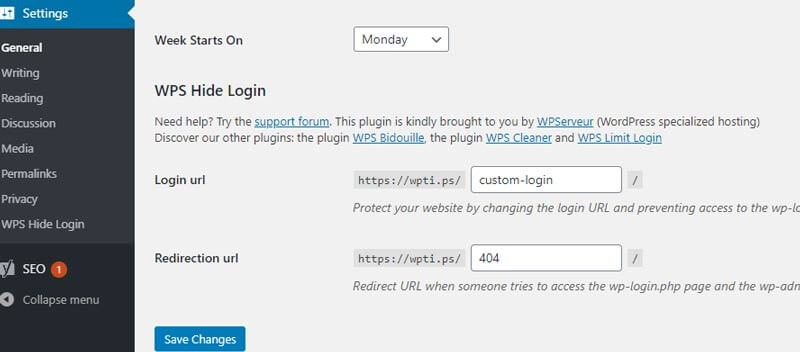
You change your website login url by installing WPS Hide Login plugin in your website. Here is a step by step guide on how to set up this plugin to change your login url to a custom one.
Go to Settings >> WPS Hide Login and define your new custom login url and the error redirection url when someone tries to login to the WordPress default login url at wp-login.php
Thats it , now you can access your website via the new custom login url.
If you run a small business or a blog website, you don’t have to share your website login url with many people. And this should keep the login url difficult for the attackers to guess. But if your website is large and a bigger team of members manages it, the login url may get very well known. Therefore, i always recommend that you should take all other security measures as mentioned above in the login page for complete peace of mind.