Category: WordPress Theme

  • Responsive WordPress theme design

    Responsive WordPress theme design

    Is mobile traffic important?

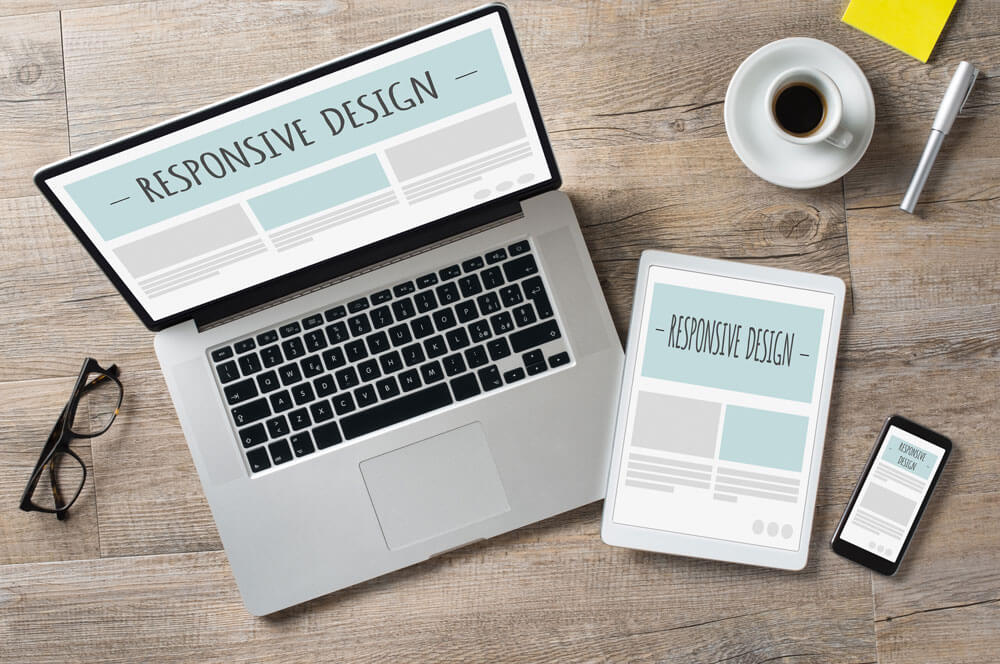
    These days, a website can be viewed in many devices from any mobile device to tablets or desktops. Mobile media is now bigger than desktop. Mobile traffic has overtaking desktop traffic. Even google rolled out its mobile friendly update in April of 2015 , giving importance to mobile friendly websites in search rankings for mobile search results. We work with many news publication websites and most of the time we find the mobile traffic to be at least 60%. So, if you want to reach wider audience , your must have a mobile friendly or responsive website.

    How to check mobile traffic data in google analytics

    Login to your Google analytics account and , under Audience , go to Mobile : Overview. There you can find the percentage of your visitors coming from desktops and percentage of visitors coming from mobile devices. You can also see all the devices. This would give you an idea on how much traffic you are getting from different devices and having a responsive website ensures that you have your site working fine in all the devices.

    Tools to check your website

    You can use the following tools to see if your website is mobile friendly or not.

    Now, if your site passes through the tests and its mobile friendly then give yourself a pat on the back. You deserve it. And if it failed or you see any issues with it. Then, you have to resolve them ASAP.

  • WordPress theme development checklist

    Checklist for perfect premium WordPress theme development

    • Add Theme settings section or add options in Theme customizer
    • Implementation of Widget ready sidebars
    • Creation of different template files for different layouts
    • Efficient use of query based template files
    • Follow WordPress PHP coding Standards
    • Follow WordPress CSS coding Standards
    • Follow Accessibility Coding Standards
    • Follow WordPress data validation standards
    • Load stylesheets dynamically using wp_enqueue_style
    • Load scripts dynamically using wp_enqueue_script
    • Theme localization (multi-language support)
    • Proper Implementation of WordPress hooks
    • Make sure that all the templates like search, post, page, 404 error etc are implemented.
    • Add Woocommerce Support for eCommerce features

    WordPress Theme Testing checklist:

    • Activate debug mode to check and fix php errors
    • Test cross browser compatibility
    • Check for W3 Validation of HTML and CSS
    • Check for JavaScript errors using browser console
    • Verify with WordPress theme unit test
    • Check for compatibility with major WordPress plugins
    • Test the theme load time using plugin like query monitor