How to fix “Bootstrap’s JavaScript requires jQuery version 1.9.1 or higher, but lower than version 3” error

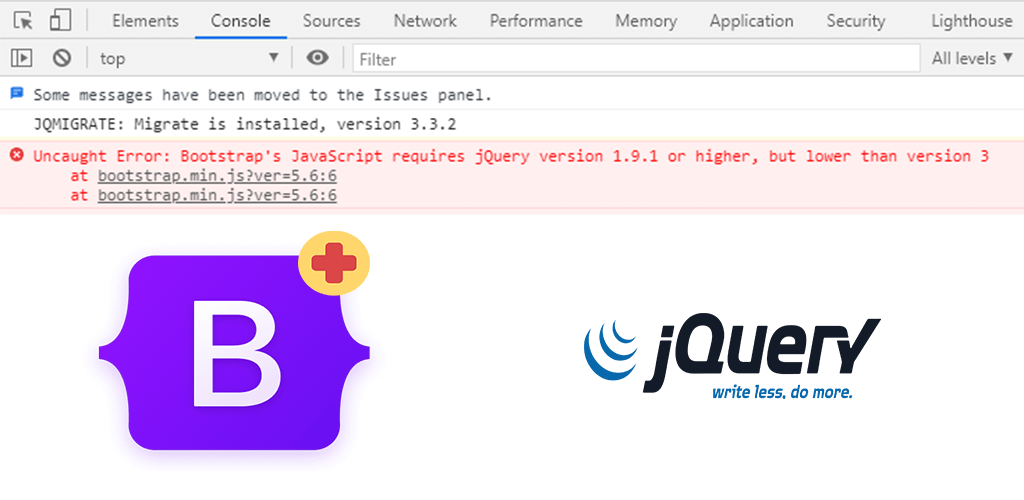
Error in console showing " Bootstrap's JavaScript requires jQuery version 1.9.1 or higher, but lower than version 3"

Written by

in

,

If you see the JavaScript error that says, “uncaught error: bootstrap’s javascript requires jquery version 1.9.1 or higher, but lower than version 3“, that means you have bootstrap version 3.3 or lower on your website which uses an older version of jQuery. But your website has a newer version of jQuery (higher than version 3).

To fix it, you simply have to install the latest bootstrap 3 JavaScript file, which is version 3.4.1. You can download bootstrap version 3.4.1 from here: https://github.com/twbs/bootstrap/releases/download/v3.4.1/bootstrap-3.4.1-dist.zip

Go to the bootstrap.min.js file in the zip file and replace your old bootstrap.min.js file in your website with this new one and it will work fine with jQuery version 3 or later.

Comments

5 responses to “How to fix “Bootstrap’s JavaScript requires jQuery version 1.9.1 or higher, but lower than version 3” error”

  1. Nick

    Many thanks, this easily sorted the error!

  2. vinay

    Thanks brother

  3. MP

    I guess all files from zip should be replaced not just bootstrap.min.js.

    It fixed my problem, so thx a lot!

  4. Edward Muntz

    Thank you so much! Worked.

  5. maninder

    Thanks its fixed the error

Leave a Reply

Your email address will not be published. Required fields are marked *